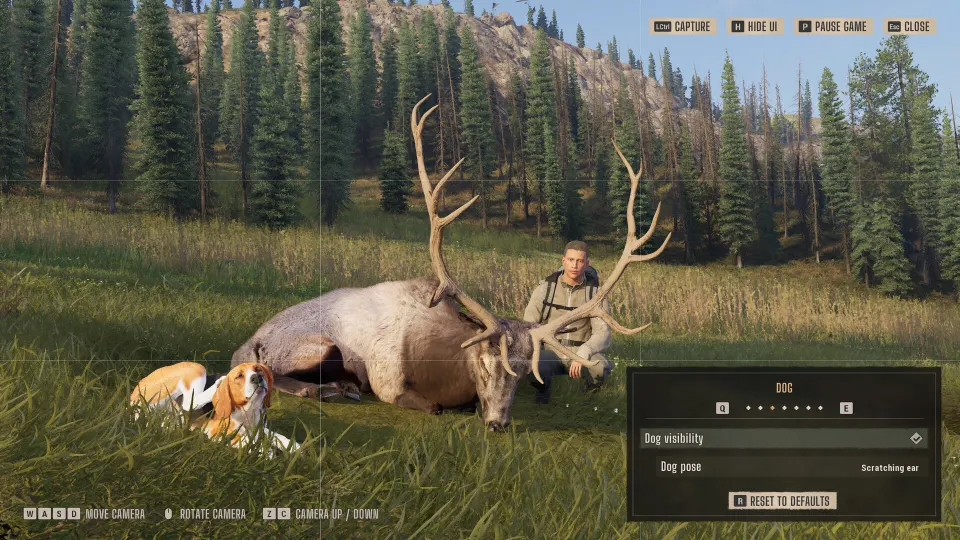
A way of the hunter 2 code generally means an activation key for the game or DLC. Public codes for free in-game rewards have not been officially confirmed. The official game website and Nine Rocks Games FAQ exist, with the FAQ explaining editions, owner bonuses, and Season Pass redemption.
Identify Your Code
Check the product name, platform, region, and included content before purchasing or redeeming a key. The listing should specifically name Way of the Hunter 2. AllKeyShop and DLCompare list activation-key offers, while GamersGate identifies its PC product as requiring Steam activation.
| Code type | What it provides | Where to use it |
|---|---|---|
| Base-game activation key | Ownership of the purchased game edition | The platform named on the listing |
| Season Pass code | Access to the pass and its included content as released | The matching platform’s redemption service |
| Retailer coupon | A discount on an eligible purchase | The retailer’s checkout |
No reusable coupon string is established here. AllKeyShop mentions retailer promotions, but any particular offer needs its own terms and eligibility check.
DLCompare lists regional variants, including European Steam keys and United States Xbox keys. Check the individual offer’s activation restrictions. Also check whether the listing sells a key or an account: DLCompare separates these product types.
Redeem the Code on Its Platform
Nine Rocks Games documents Steam, PlayStation, and Xbox redemption in its official FAQ. DLCompare also provides instructions for GOG Galaxy.
- Steam: Sign into the intended account, open Games, and select Activate a Product on Steam. Enter the key and complete the confirmation.
- PlayStation: Open PlayStation Store, access your profile menu, and choose Redeem Codes. Enter the code and confirm the product.
- Xbox: Open Microsoft Store, find Redeem a code, and follow the prompts.
- GOG Galaxy: Open the settings menu, choose Add games & friends, then Redeem GOG code. Enter the key, review the product, and confirm redemption.
Confirm that the displayed product matches your purchase before completing activation. A Season Pass code grants the add-on entitlement; check separately that you own the base game.
According to Nine Rocks Games, a Season Pass purchased directly through Steam, PlayStation Store, or Xbox Store does not require separate code entry. Check your library for the purchase.
Owner Benefits and Edition Bonuses
Nine Rocks Games’ launch FAQ lists a 13% bundle discount for owners of the original Way of the Hunter. It also describes an automatic Night Hunting Pack benefit on Steam, PlayStation 5, and Xbox. Check the relevant storefront for eligibility and availability when purchasing.
The developer identifies the Heirloom Pack as a bonus for Steam Early Access purchases and console preorders. Those purchase conditions matter when checking whether your account should receive it.
The Deluxe Edition includes the base game and Season Pass. Nine Rocks Games describes the pass as covering eight DLC releases planned for the first year after launch. Its FAQ also explicitly separates the Heirloom Pack from the Season Pass, so owning the pass alone does not establish ownership of that pack.
If Your Redeemed Content Is Missing
Start by checking the platform’s record of your purchase:
- On Steam, open the game’s Properties, then DLC.
- On PlayStation, check the game’s Add-ons or DLC listing.
- On Xbox, open Manage game and add-ons.
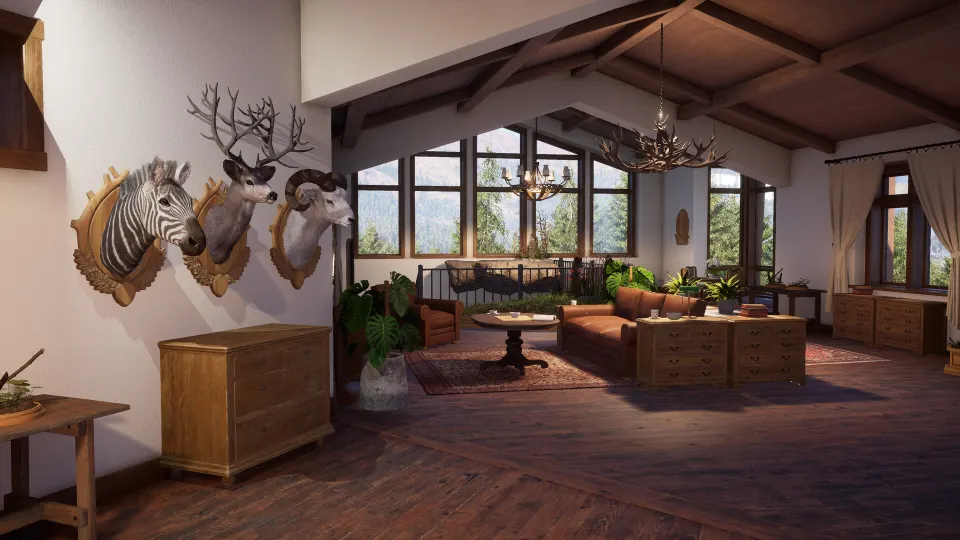
For the Season Pass, Nine Rocks Games’ launch FAQ identifies several visible entitlement checks: a deer statue in New Laurentia, dog and ibex statues at Hearth & Hunt Headquarters, and a kudu statue in Kilimaya Reserve. The Heirloom Pack’s elk statue belongs to a separate bonus.
If the entitlement still does not appear, fully restart the game and install available updates. The developer recommends contacting the purchasing platform’s support first. If the issue remains unresolved, its bug-reporting service accepts reports with your platform, purchase details, receipt if available, and troubleshooting steps already attempted.